 099-333-67-70
 sales@edin.ua

Digital service of electronic trust services for business
Official provider of electronic trust services — ATS LLC
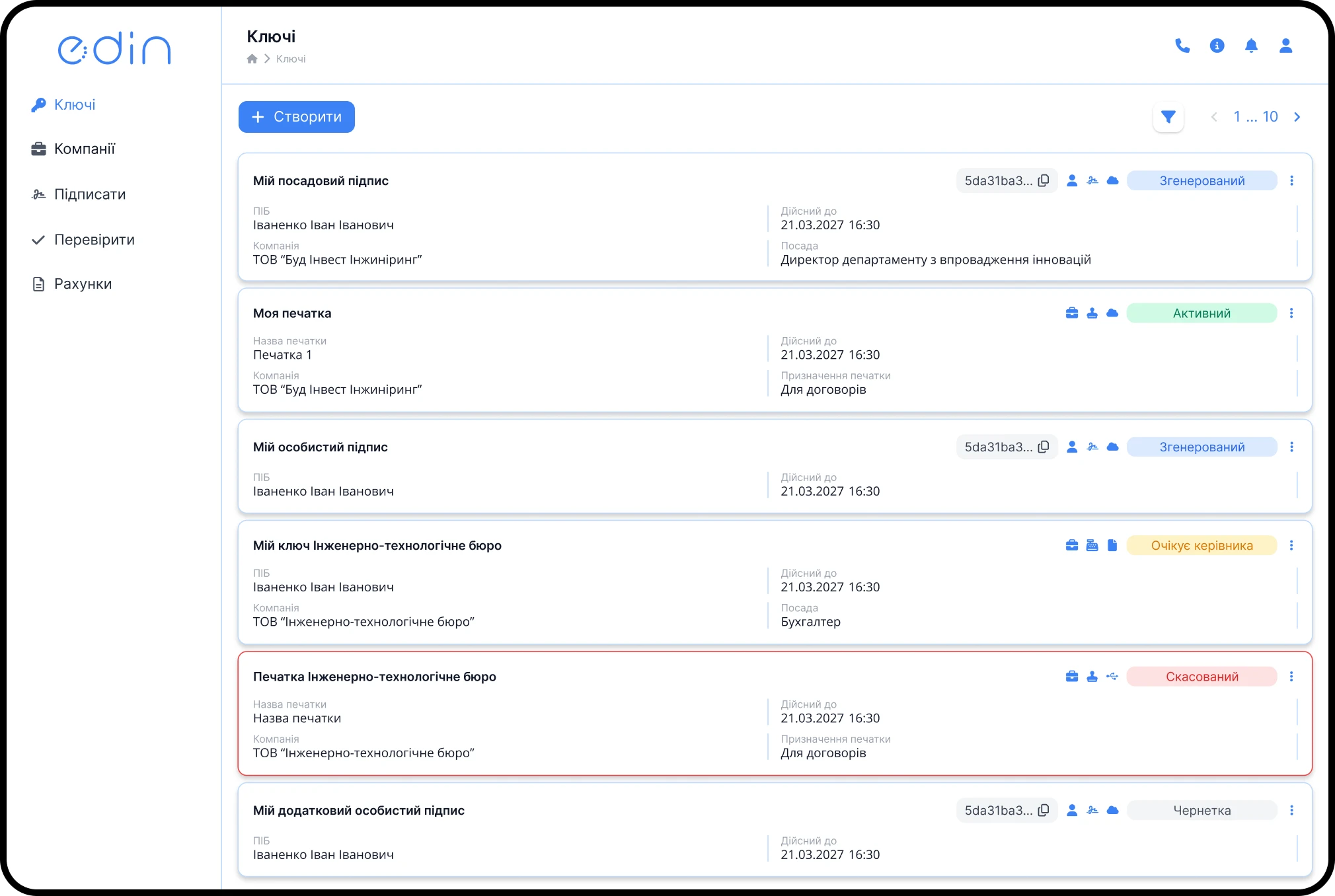
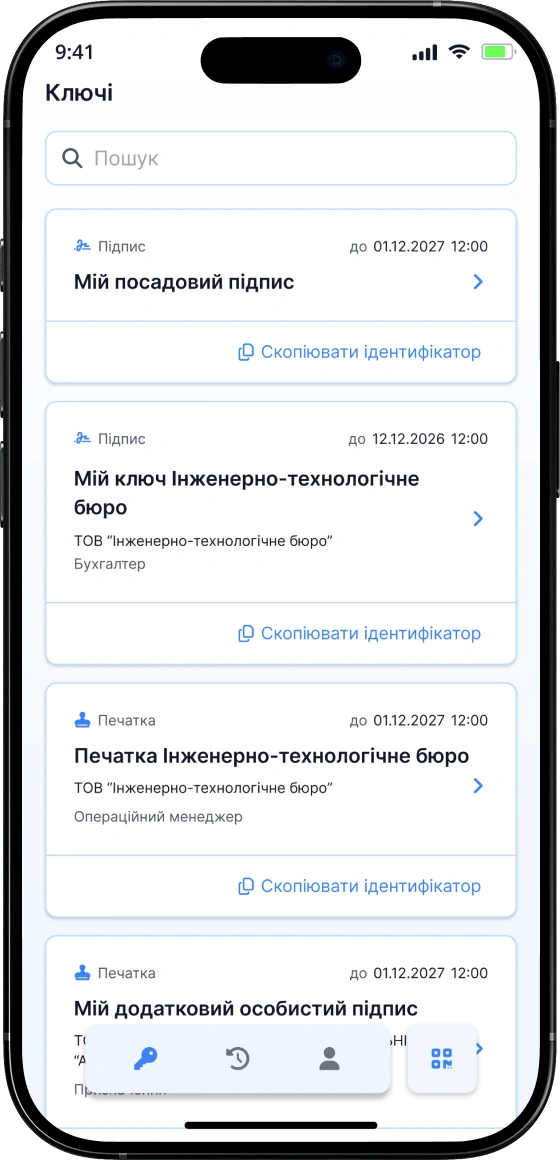
EDIN ID advantages
Why do clients choose us?







How to get a digital signature from EDIN ID?
Your digital signature — in just 3 simple steps
Questions and answers
Still have questions? We've answered the most common ones
QES is a qualified electronic signature that is legally equivalent to a handwritten one. It is created using cryptography, ensures the identification of the signer and guarantees that the data has not been altered after signing. The Law of Ukraine defines QES as a signature with the highest level of trust and protection.
- EDS is the old name, which with the adoption of the new law was transformed into QES. Today there are two types of signatures:
- QES — stored on secure media, cannot be copied, has the highest level of security.
- AES — stored in file form, can be copied, therefore the level of trust is lower.
Both use a qualified certificate of the public key, but the level of trust in them is different. For users, the difference is mainly in the storage method and the level of key protection.
A cloud signature is your QES stored in a secure cloud storage. It is available online 24/7 and does not require a token or physical media.
Cloud QES is a modern solution: works from a smartphone or laptop, without tokens or flash drives. High level of security, suitable for all documents. We recommend it. Token (USB device) is the classic QES option. Reliable, but not mobile: requires a physical device and drivers. File key is a simple option with the lowest level of protection. Possible for internal use, accounting and primary documentation. Not always accepted by government agencies or counterparties.
The validity period of a qualified certificate of the public key (QES or AES) can be up to 2 years. After the expiration date, it needs to be renewed. At the same time, signed documents are valid indefinitely — they can be verified even after decades. For long-term storage of electronic documents, we recommend using the CAdES-X-Long signature format, which preserves validation even after the certificate expires.
Feedback
Describe your question and our manager will contact you
Thank you!
Your message has been sent successfully.
Our manager will contact you shortly.